
This is Day 6 of 30 Days of AI for Camps, a daily series of short, practical ways your camp can use AI to save time, find answers and spot problems you can fix.
In Day 5, you used AI to calm down a hard message. Today is a happier one: how to turn a single real story into a week of camp social media posts.
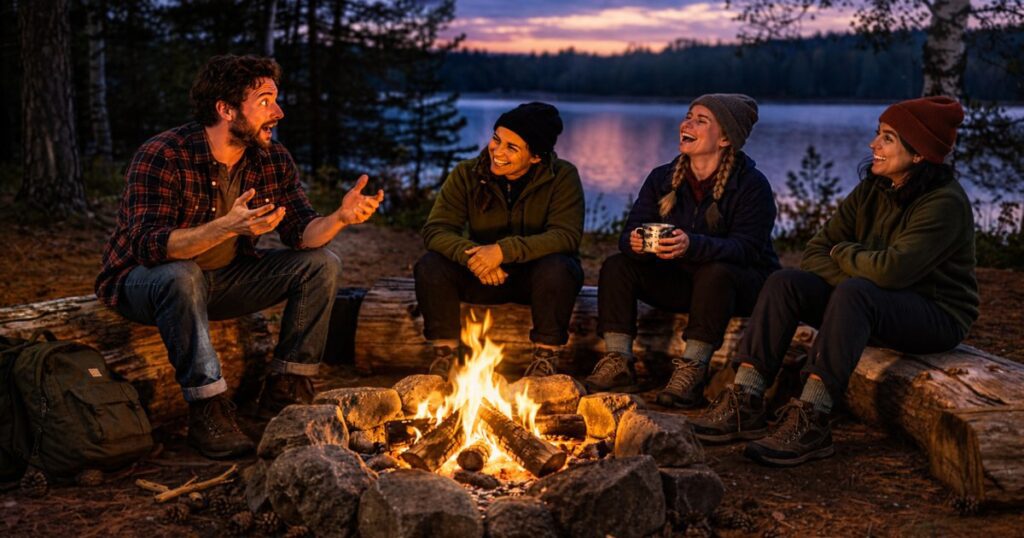
Most camps don’t struggle to find stories. A counselor says something at the fire that stays with you. A first-time camper finally jumps off the dock. A volunteer shows up at 6 a.m. to fix the dining hall door. The struggle is finding time to turn those moments into posts, so they stay in your head and your feed goes quiet. This is a good job for AI, as long as the story is yours.
Why start with one story?
Because a real story gives AI something true to work with. If you ask it for “a week of camp posts” with nothing else, you get generic lines about summer and community that could belong to any camp. If you hand it one real moment, it can help you look at that moment from several angles, and every post still sounds like your camp.
One story can become a week of posts because each post only needs to do one small job. One can tell the moment, one can name what it showed you about your mission, one can thank the person involved and one can invite someone to come and see it for themselves.
What kind of story works?
- It really happened. You were there or someone you trust told you.
- It’s small and specific. A single conversation or moment beats a summary of a whole week.
- It points to something you care about. Faith, growth, friendship, courage, service or a tradition at your camp.
- You have permission. Follow your camp’s own policy for names and photos, especially for minors. When in doubt, leave names out.
How do you turn it into a week of posts?
Open the project from Days 1 and 2 so your voice and fact sheet are in place, then paste in this prompt:
Here’s a true story from our camp. Help me turn it into five social media posts for the week, in my voice.
Before you write anything, ask me up to three questions about the story, such as what I noticed, why it mattered or what I want people to do after reading.
Then write five short posts, each doing a different job: tell the moment, share what it showed us about our mission, thank someone involved, invite people to visit or register, and one with a question that gets people to share their own memory. Keep each under 90 words. Don’t invent details, quotes or names I haven’t given you. Don’t use hashtags unless I ask. If you need a fact I haven’t given you, write [CONFIRM].
The story, in my own words: [a few sentences, rough is fine]
Why it mattered to me: [one or two lines]
What I want people to do: [for example, ask about summer staff, book a retreat or just reflect]
The line “in my own words, rough is fine” matters. You don’t have to polish the story first. Type it the way you’d tell it to a colleague and let the AI shape the posts. The rough version is where your voice lives.
What does that look like in ChatGPT and Claude?
- In ChatGPT: start a new chat in your project, paste the prompt and answer its questions before it drafts.
- In Claude: open your project, start a new chat in it and paste the prompt. Your voice and fact sheet are already there.
- If you don’t have projects on your plan: paste your voice starter at the top of a new chat, then add the prompt.
Here’s a made-up example. A counselor tells you that a quiet camper who wouldn’t talk on Monday led the whole cabin in a prayer on Friday. You type three rough sentences. The AI asks what the counselor did that week and whether you want the posts to mention the cabin or keep it private. Then it gives you five drafts: the moment, what it shows about helping kids find their voice, a thank-you to the counselor, an invitation to apply for summer staff and a question inviting alumni to share a moment when someone encouraged them.
How do you get them posted?
Read each draft aloud, fix anything that doesn’t sound like you and check every fact. Then schedule them so the work is done in one sitting. Meta Business Suite can schedule posts to both Facebook Pages and Instagram, so you can load the week at once instead of posting daily.
If you add photos on Instagram, write your own alt text. Instagram generates a description automatically, but you can replace it with a better one. Ask the AI to draft a one-sentence description, then edit it to match what’s actually in the picture.
What should you watch out for?
- Don’t let it embellish. AI likes to add a tidy moral or a quote nobody said. Cut anything that didn’t happen.
- Protect kids and families. Leave out names, faces and details that identify a child unless you have clear permission and a policy that covers it.
- Don’t repeat the same post five times. If the drafts feel samey, tell the AI which angle each post should take.
- Keep it humble. A story about what God did at your camp is different from a story about what your camp did. Say it the way you’d say it in person.
- Check every fact. Dates, names, program details and registration links are yours to verify, not AI’s.
Ready to try it today?
Think of one moment from the last month that you keep telling people about. Type it out in rough form, run it through the prompt and see what you get. If one of the five posts sounds exactly like you, that’s your signal that the setup from Days 1 and 2 is working.
Tomorrow, in Day 7, we’ll write a follow-up to a group that went quiet after asking about a visit.