
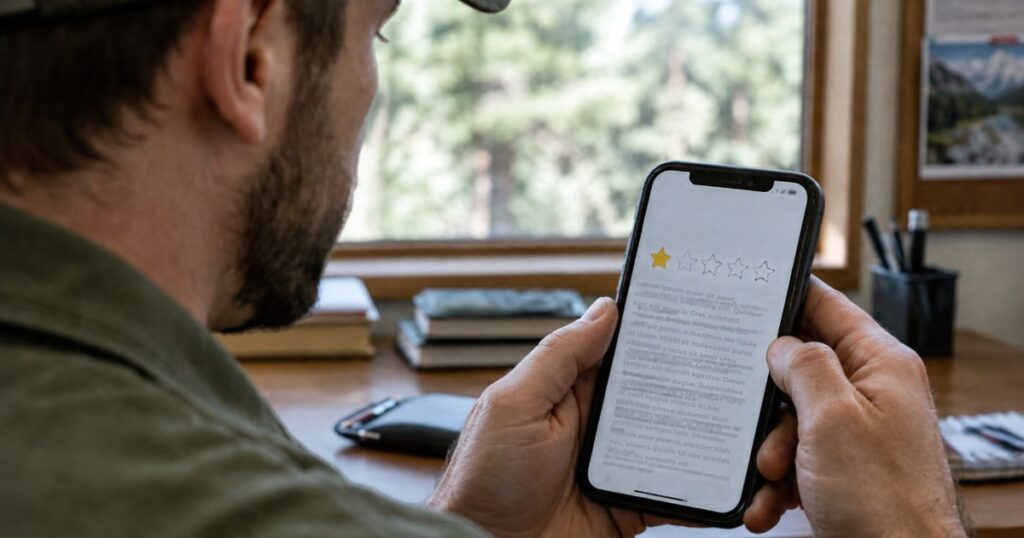
This is Day 5 of 30 Days of AI for Camps, a daily series of short, practical ways your camp can use AI to save time, find answers and spot problems you can fix.
In Day 4, you used your voice setup, your fact sheet and good prompting habits to draft a reply to a retreat inquiry. Today you’ll use the same approach on a harder message: how to respond to a negative Google review.
Nobody enjoys these. A sharp review can sting, and the first draft you write while you’re upset is rarely the one you want a future guest to read. AI can help you slow down, find the calm version of what you want to say and keep it honest. You still decide what’s true and what gets posted.
Why does a reply to a negative review matter?
Because the reply is public, and it’s written for the next group that’s deciding whether to book, not just for the person who complained. Google’s own guidance says your replies are public and can help you build relationships and trust with customers. It also notes that negative reviews aren’t necessarily a sign of poor business practices. Sometimes a guest simply had different expectations, and the review shows you where your camp can set them better.
What makes a good reply?
- It’s calm. No defensiveness, no sarcasm, no blaming the guest.
- It’s specific. It shows you read the review and understand what happened, in a sentence or two.
- It’s honest. If something went wrong, say so plainly. If your records tell a different story, state your side without arguing.
- It takes the conversation offline. Give a way to reach you directly. Google’s help notes you can ask the reviewer to contact you, and a positive reply with follow-up may encourage them to update their review.
- It’s short. Future guests skim. Three to five sentences is plenty.
How do you get a calm draft you can post?
Open the project from Days 1 and 2 so your voice and fact sheet are in place. Paste in the review and use this prompt:
Here’s a negative Google review of our camp. Help me write a public reply in my voice.
Before you write anything, ask me up to three questions about what actually happened. Don’t assume the reviewer is right or wrong.
Then draft a reply of 80 words or fewer that thanks them for the feedback, shows I read it, says plainly what we’re doing or looking into, and invites them to contact me directly. Don’t argue, make excuses, blame the guest or promise anything I haven’t told you. Don’t include any guest names or private details. If you need a fact I haven’t given you, write [CONFIRM].
The review: [paste it here]
What actually happened, from my records and my staff: [a few lines]
What I can offer or have already done: [for example, a call, a change we made or nothing yet]
The “what actually happened” line is where you matter most. AI only knows the review. You know whether the weekend was in a storm, whether the cabin issue was fixed that day or whether the guest’s group wasn’t the one that booked the program they described. Tell it, and let it help you say it kindly.
What does that look like in ChatGPT and Claude?
- In ChatGPT: start a new chat in your project, paste the prompt and answer the questions it asks you before it drafts.
- In Claude: open your project and start a new chat in it. Your voice and fact sheet are already there, so paste the prompt, the review and your notes.
- If you don’t have projects on your plan: paste your voice starter at the top of a new chat, then add the prompt.
Here’s a made-up example. A reviewer writes that the dining hall was cold and loud and that no one checked on their group. The AI asks whether the heat was working that weekend, whether another group was in the building and who was on duty. You answer in a line each. The draft that comes back thanks the reviewer, acknowledges the cold and the noise without excuses, mentions one change you’re making and gives your direct line.
What should you watch out for?
- Wait before you post. Read it again after a few hours, or ask someone you trust to read it first.
- Keep private details out. Google’s guidance says not to share a reviewer’s personal data or attack them personally. That includes names of other guests or children and anything from their reservation.
- Don’t admit or deny more than you know. If the situation involves safety, a refund dispute or anything legal, talk to your board or leadership before you reply.
- Check every fact. Dates, policies and what staff did are yours to verify, not AI’s.
- Know when to report instead. If a review looks fake or doesn’t reflect a real experience, you can report it to Google. Reply to the real ones.
- You must be verified. Google says you need a verified Business Profile before you can reply to reviews.
Ready to try it today?
Look at your most recent critical review, even one from last year that never got a reply. Run it through the prompt and see what the AI asks you. The questions are often the most useful part, because they show you what a reader wonders when they see the review.
Tomorrow, in Day 6, we’ll turn one camp story into a week of social posts.